Connecting to our ASE Cluster with Steam
You can join our ARK servers in-game through the following steps:
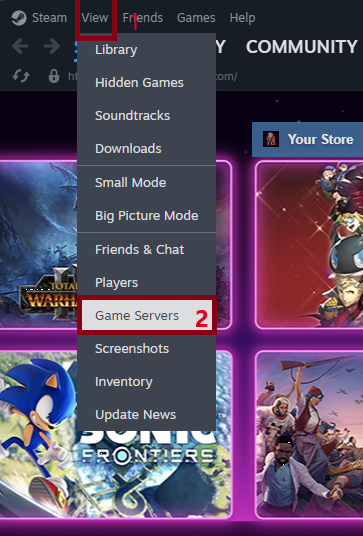
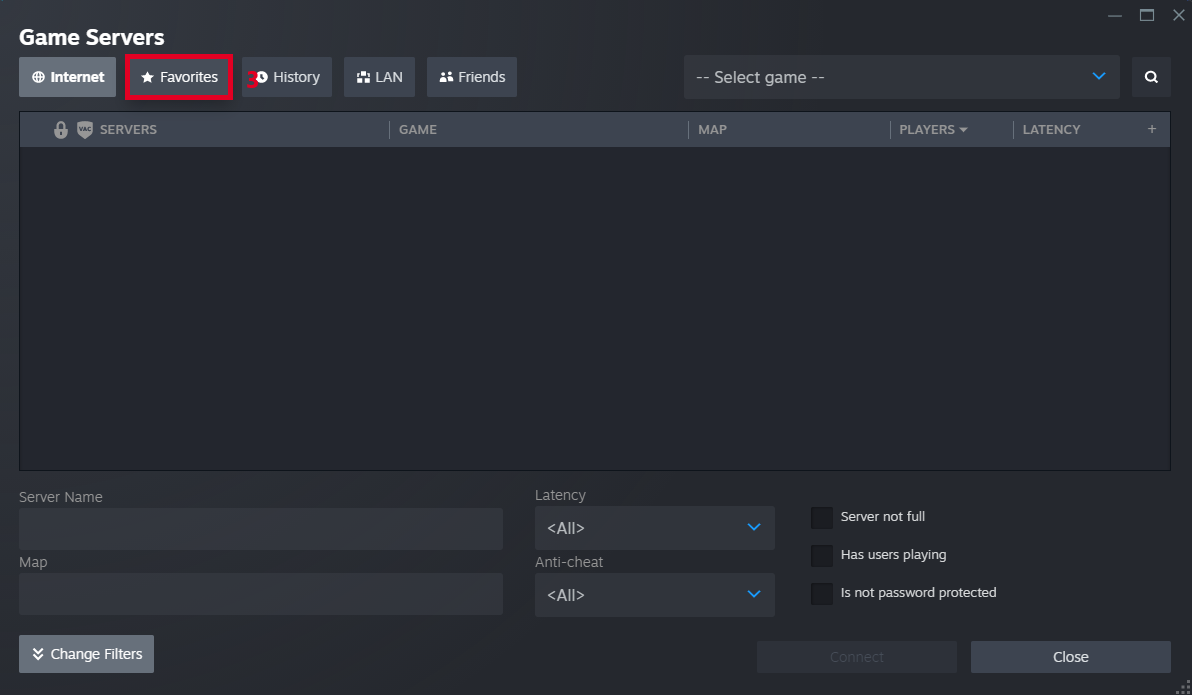
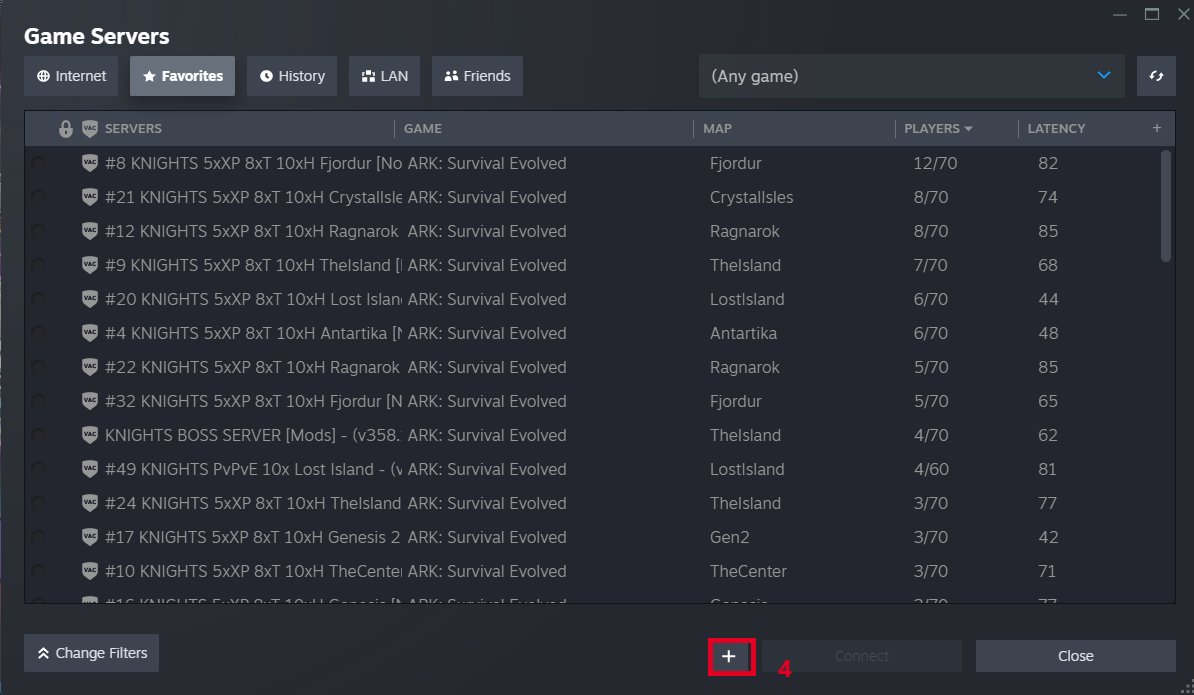
- In the Steam client, go to View → Game Servers and click the Favorites tab.
- Click the + icon in the lower-right corner.
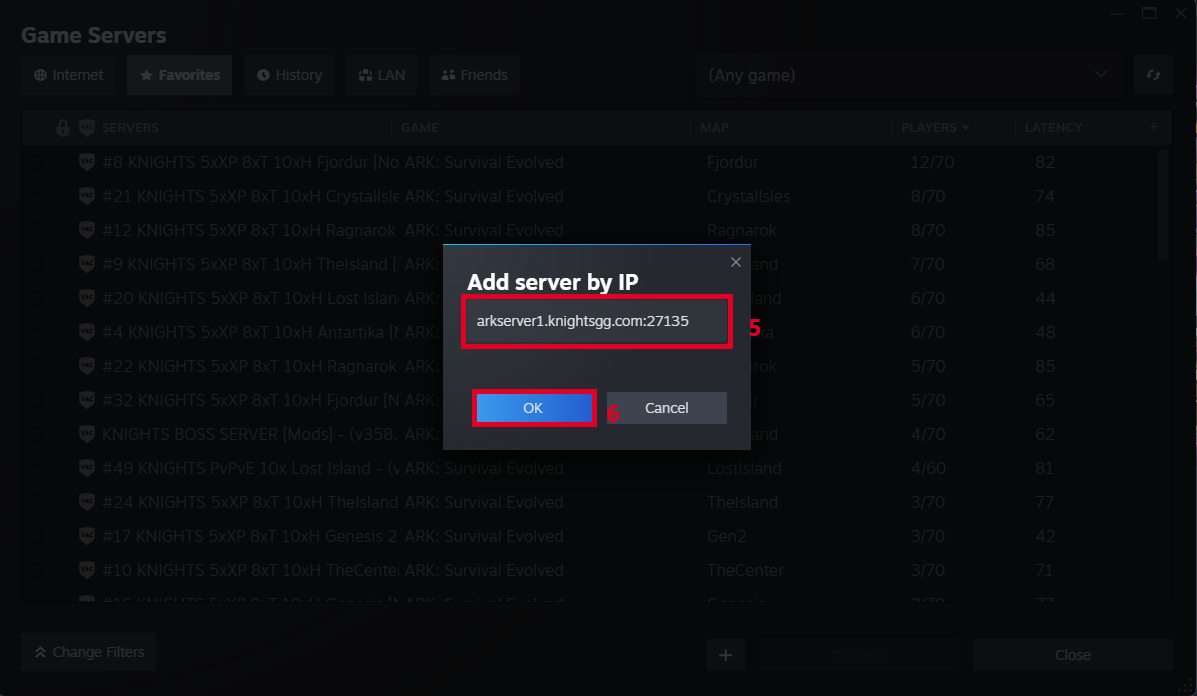
- Enter SERVERIP:PORT (example: arkserver1.knightsgg.com:27205)
- Click OK.
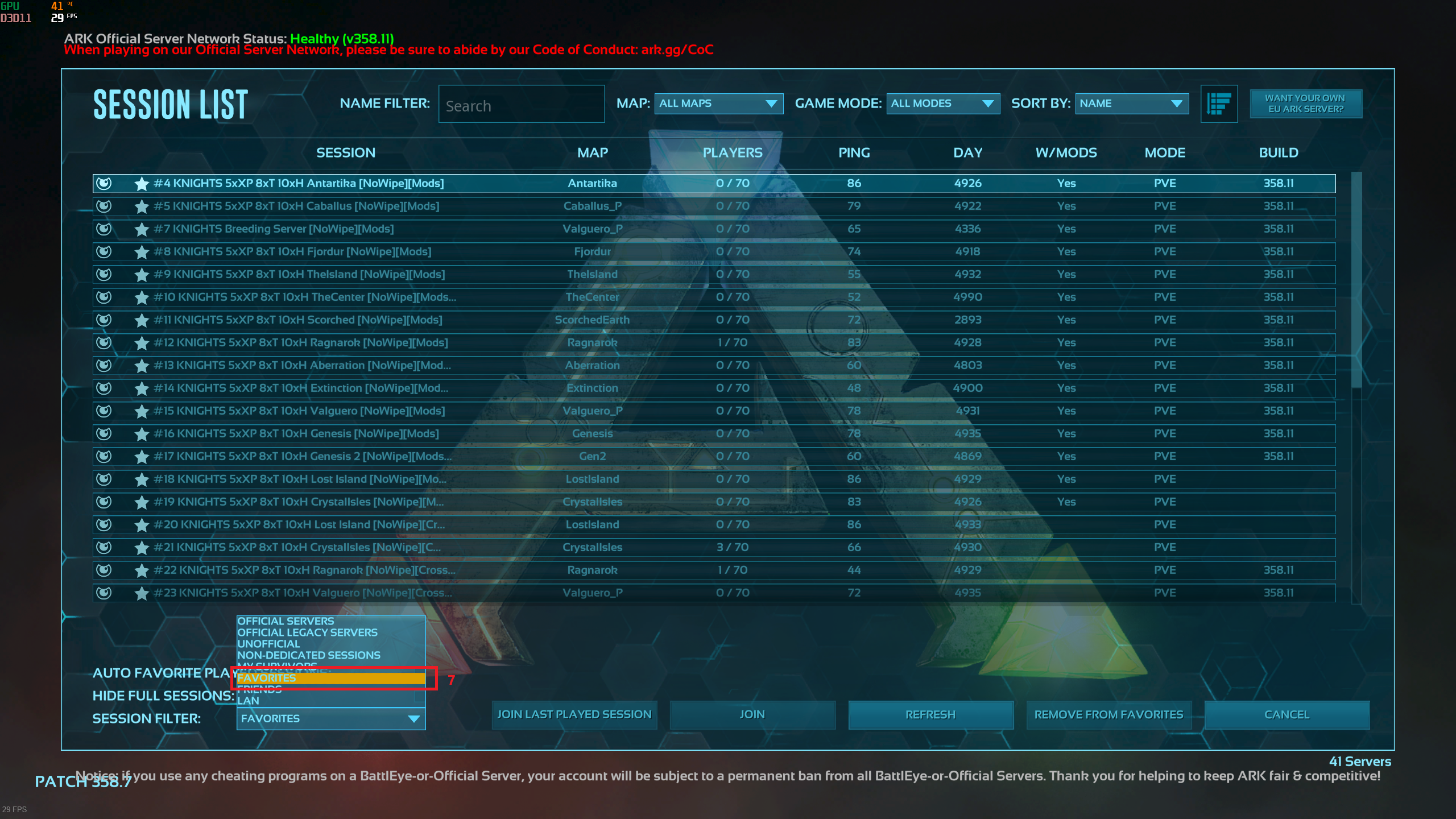
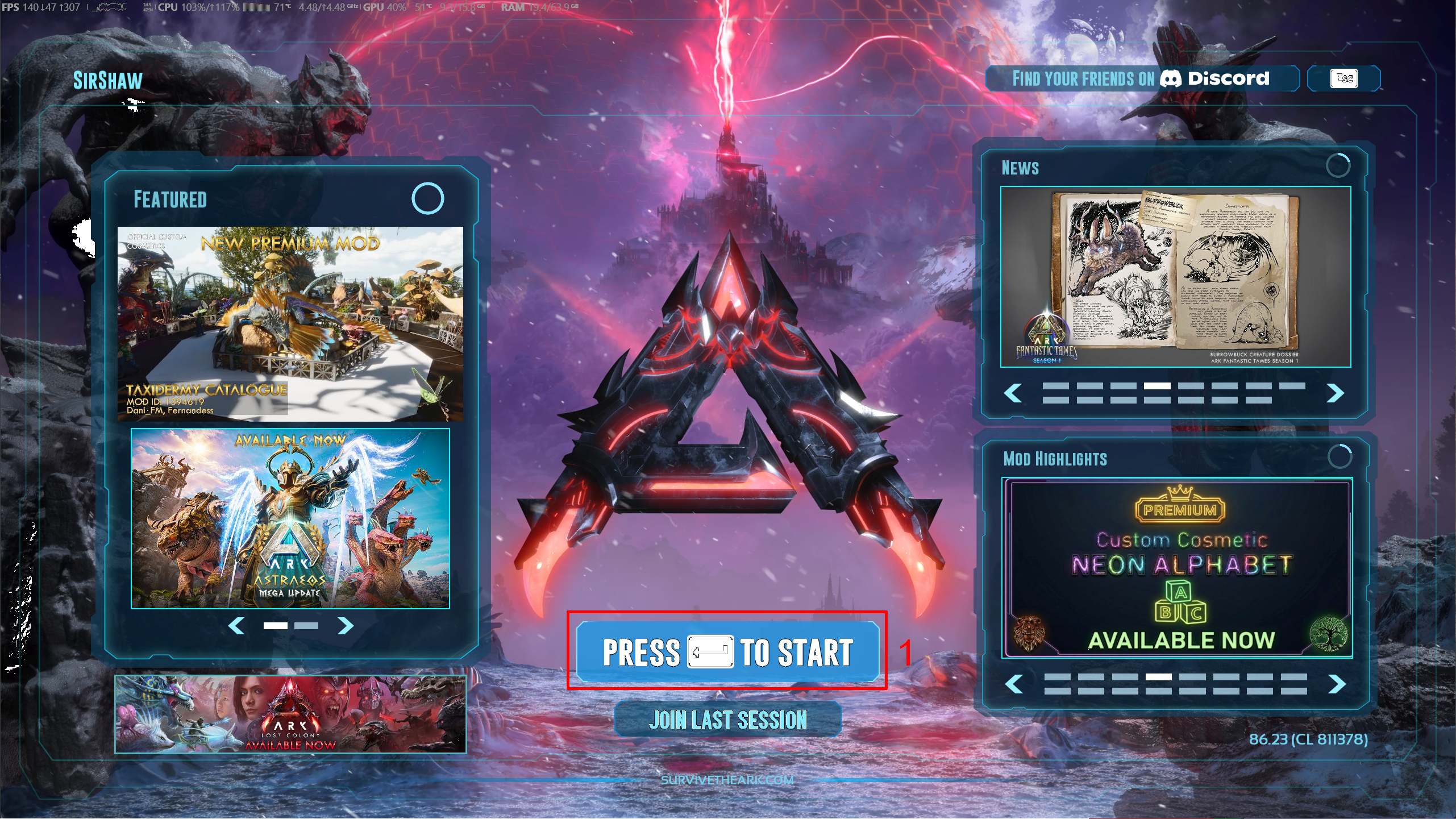
- Open ARK and click Join ARK.
- Set the Session Filter (bottom-left) to Favorites.
Press Refresh, and our server should appear so you can join.

List of addresses for our servers can be found here: Ark: Survival Evolved Server Links
Connecting to our ASE Cluster with Epic Games
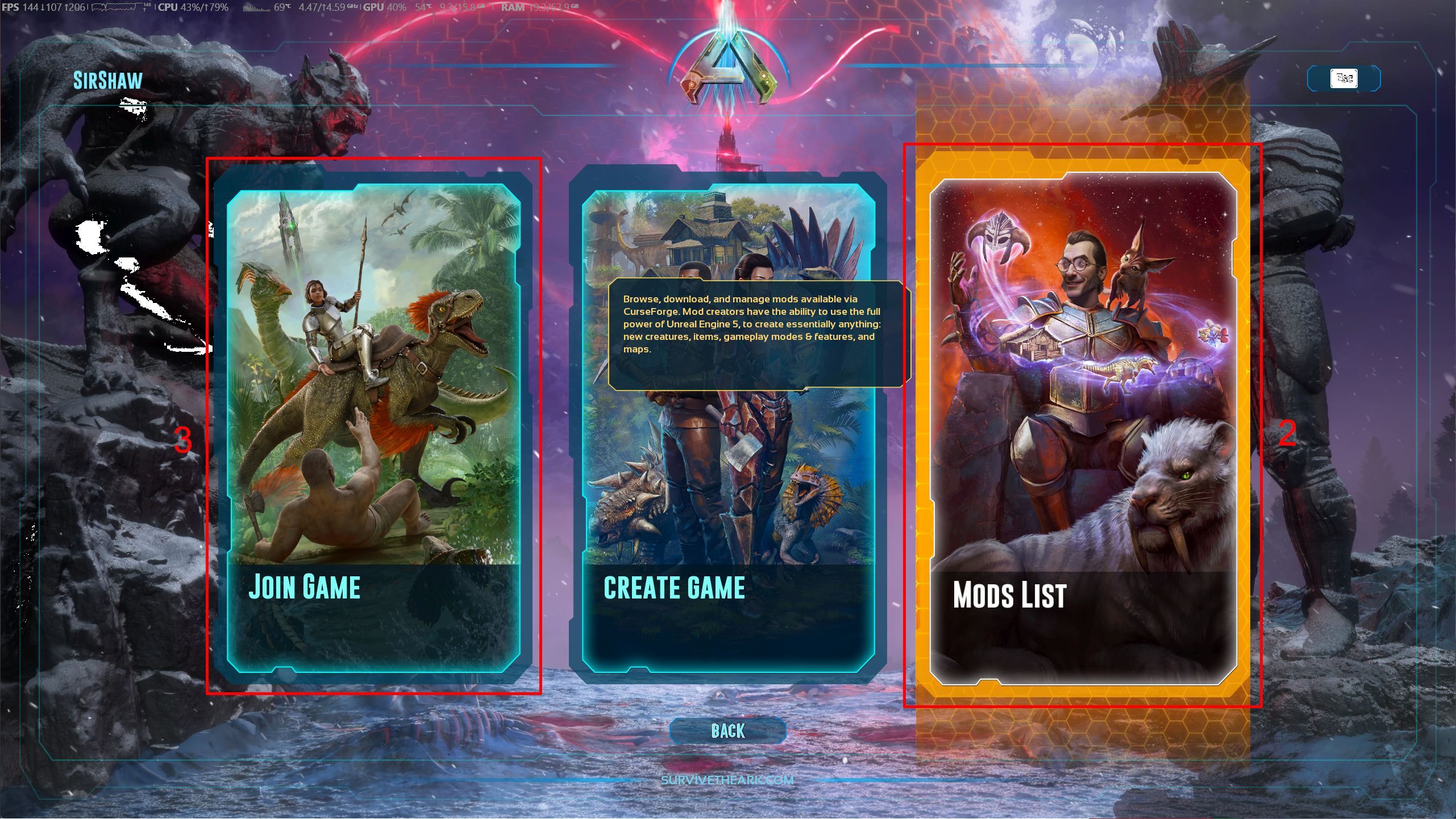
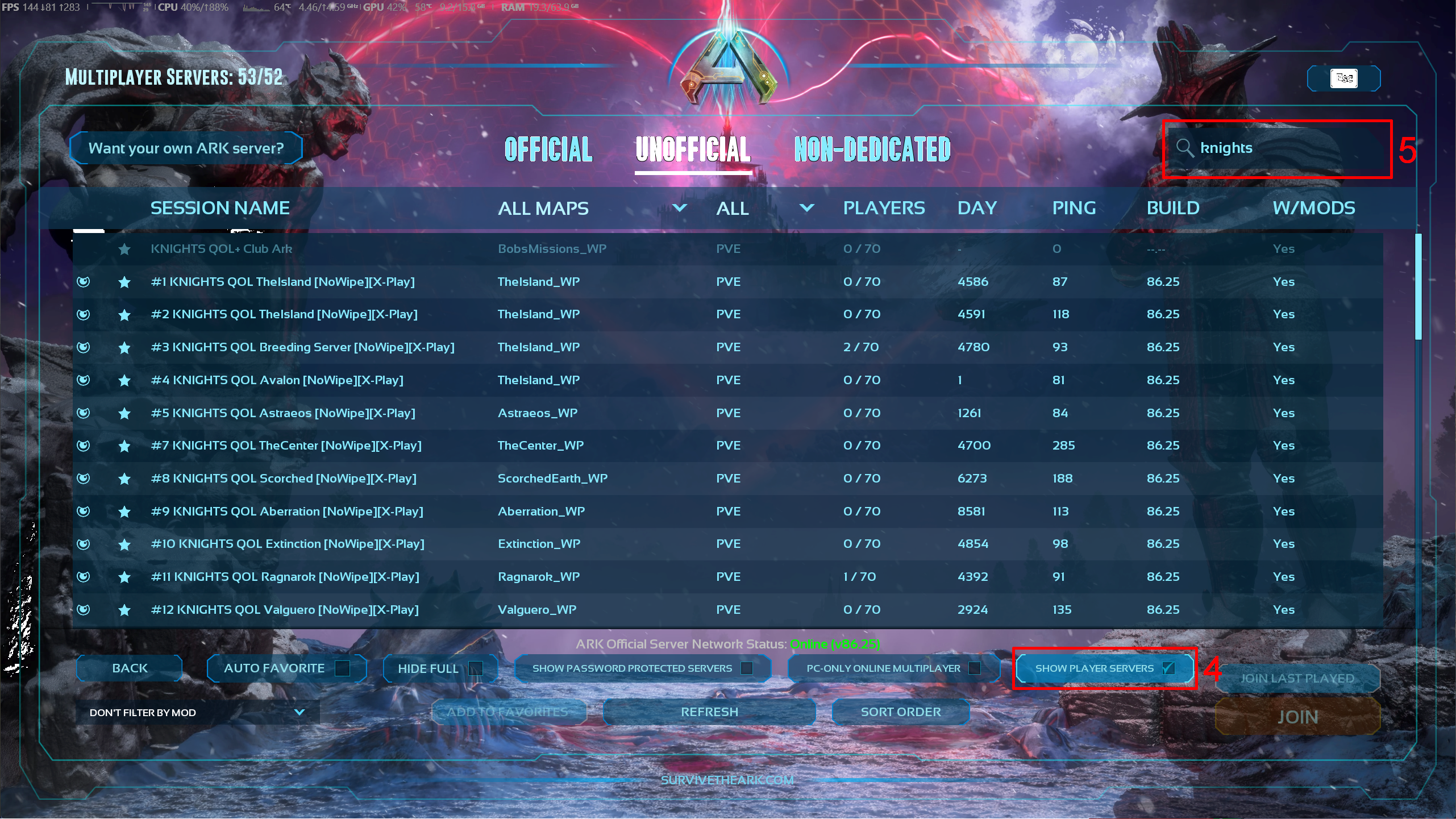
Connecting to our ASA Cluster(s)